

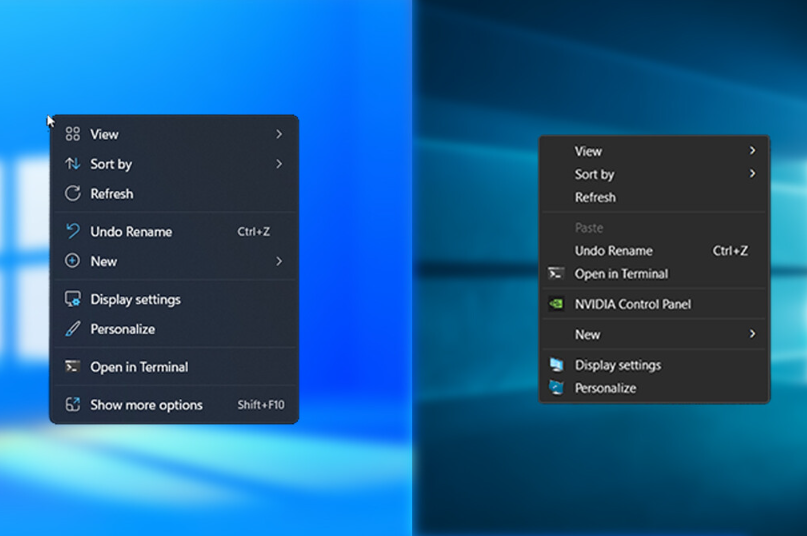
I Don’t Like the Windows 11 Menu
Do you feel the same way about Windows 11’s right-click menu? Personally, I prefer the classic Windows 10 style. Fortunately, there’s a simple way to bring it back.
Run the following commands in Command Prompt (as Administrator):
reg add "HKCU\Software\Classes\CLSID\{86ca1aa0-34aa-4e8b-a509-50c905bae2a2}" /f
reg add "HKCU\Software\Classes\CLSID\{86ca1aa0-34aa-4e8b-a509-50c905bae2a2}\InprocServer32" /f /veAfter running these commands, restart your computer. The right-click menu should now look like the classic Windows 10 version.
If you want to revert the change, use this command:
reg delete "HKCU\Software\Classes\CLSID\{86ca1aa0-34aa-4e8b-a509-50c905bae2a2}" /fHave a nice day!